
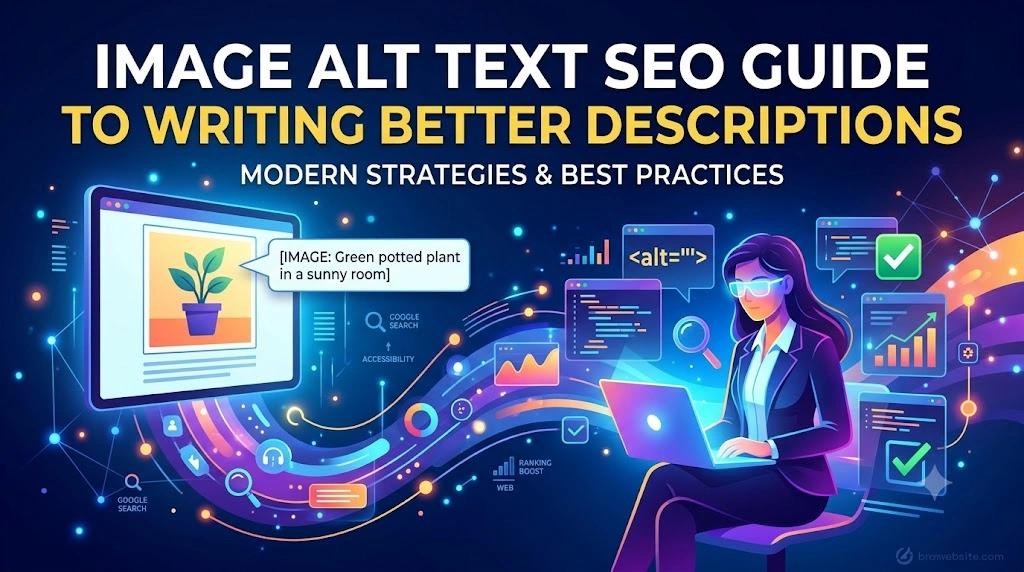
Images can make a webpage more engaging, but search engines and screen readers need additional information to understand what an image represents. This is where alt text becomes important. A well-written Image Alt Text: SEO Guide helps website owners understand how to create useful image descriptions that support accessibility, user experience, and image SEO.
In this guide, you will learn what is image alt text, why it matters, how to write alt text, and the key practices to follow when optimizing images for your website.
In This Article
- What is image alt text and why does it matter?
- How alt text supports SEO and accessibility
- How to write effective alt text
- How to add alt text to website images
- Common alt text mistakes to avoid
What Is Image Alt Text?
Alt text, also called alternative text, is a written description added to an image through its HTML or content management system. It helps screen readers communicate the meaning of an image to visually impaired users.
Alt text can also provide context when an image cannot load properly. For search engines, descriptive alt text for images helps provide additional information about the visual content and its relationship to the surrounding page.
For example, instead of writing:
Alt text: “SEO image”
A more useful description could be:
Alt text: “Marketing professional reviewing website image optimization on a laptop”
The second example clearly describes what the image contains.
How Alt Text Supports Image SEO
Image SEO involves helping search engines better understand and index visual content. Alt text is one part of a broader image optimization strategy that can also include descriptive filenames, appropriate image formats, page context, and fast-loading visuals.
Good alt text should describe the image accurately while remaining relevant to the content around it. If a keyword naturally fits the description, it can be included—but forcing keywords into every image description can reduce clarity.
The goal is simple: describe the image for people first.
How to Write Alt Text Effectively
Following strong alt text best practices can make descriptions more useful and natural:
- Describe the important content shown in the image.
- Keep it concise and specific.
- Use relevant context from the webpage when appropriate.
- Include keywords naturally, only when they genuinely describe the image.
- Avoid repeating the same alt text across unrelated images.
- Do not start every description with “image of” or “picture of.”
For example, if an image shows a business team analyzing website performance charts, describe that activity rather than simply adding a list of SEO keywords.
How to Add Alt Text to Images
Understanding how to add alt text depends on the platform you use. Most website builders and content management systems provide an Alt Text field when you upload or edit an image.
Before publishing, review every important image and ask:
Does this description accurately explain the image’s purpose?
Decorative images that provide no meaningful information may not require descriptive alt text. Functional images, such as buttons or icons that perform an action, should communicate their purpose clearly.
Common Alt Text Mistakes to Avoid
Poor alt text for images often comes from trying too hard to optimize for keywords. Avoid:
- Keyword stuffing
- Generic descriptions
- Copying the same text repeatedly
- Describing details that are not relevant
- Ignoring important informational images
Effective image optimization should improve understanding, not create unnecessary text.
Frequently Asked Questions
Q1. What is image alt text?
Ans: Image alt text is a written description that explains an image’s content or purpose, primarily helping screen readers and providing context when images cannot be displayed.
Q2. Does alt text help SEO?
Ans: Alt text can support image SEO by helping search engines understand the content and context of an image. However, it should always be descriptive and relevant rather than keyword-stuffed.
Q3. How long should alt text be?
Ans: There is no need to follow an exact word count. The best approach is to keep alt text concise while including the important information needed to understand the image.
Q4. Should every image have alt text?
Ans: Informational and functional images generally need appropriate descriptions. Decorative images may be handled differently because they do not add meaningful content to the page.
Conclusion
Writing effective alt text is a simple but valuable part of creating SEO-friendly images and improving website accessibility. Focus on accurately describing meaningful visual content, keeping descriptions concise, and using keywords only when they naturally fit the image.
A thoughtful approach to image optimization for SEO can help create a better experience for both users and search engines.
Improve Your Website SEO With Better On-Page Optimization
Managing image alt text across a growing website can become challenging, especially when it needs to align with broader Search Engine Optimization (SEO) and content strategies. TVM Info Solutions provides professional digital marketing and SEO support for businesses looking to improve their website’s search visibility and on-page optimization.
📞 Call Us: +919004590039
📧 Email: contact@tvminfo.com
Our Business Automation Solutions:
💬 ChatKar – Turn WhatsApp chats into sales
🌟 StarCreator – Build AI automations
📧 AutoMailSend – Own your email marketing
🎯 AttractLead – Capture & convert leads automatically
Pingback: Keyword Stuffing: How to Avoid It for Better SEO